
 Fiddling with ADOBE Photoshop is my favourite hobby.
I have been Creating greeting card in photoshop all these years
Just when I was browsing the net I came to know that a simple card
can also be created in Ms paint.
It was amazing I tried it out and here I am,
to share it with all my fellow bloggers.



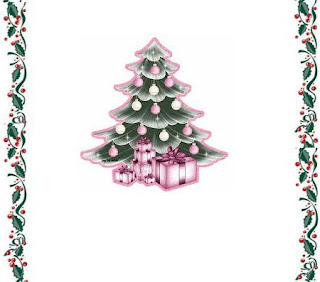
Now again click the edit menu and press' paste from' and select "images" from the menu You will get a fig.like above.



To create a card you need to have images / photos of your
greeting card or clip art.I have given two images for you to download
Feel free to download and try.
Now open start__Accessories_ Paint programme from the menu.
file_New_You will get a blank file go to edit_ click -'paste from' the edit menu.
select the border file which I have given for downloading .
You will get a file like this above You will have to copy
paste the border along the file.
I have pasted on either sides of the file.

You can type your message and finish off it by saving in JPEG format
Another card created using the same paint programme. First I filled it with color
and then pasted the image.
Hope this post will be useful for all those who visit this blog.
Next time I will come up with a different software.
Till then it is bye from anandhi


